Versions, history and editing together
Go back to any saved version, and see who's editing.
The History tab lists versions: when you Save (⌘S), every 10 minutes while editing, before each sync, and on restore. Each shows who saved it and what changed.
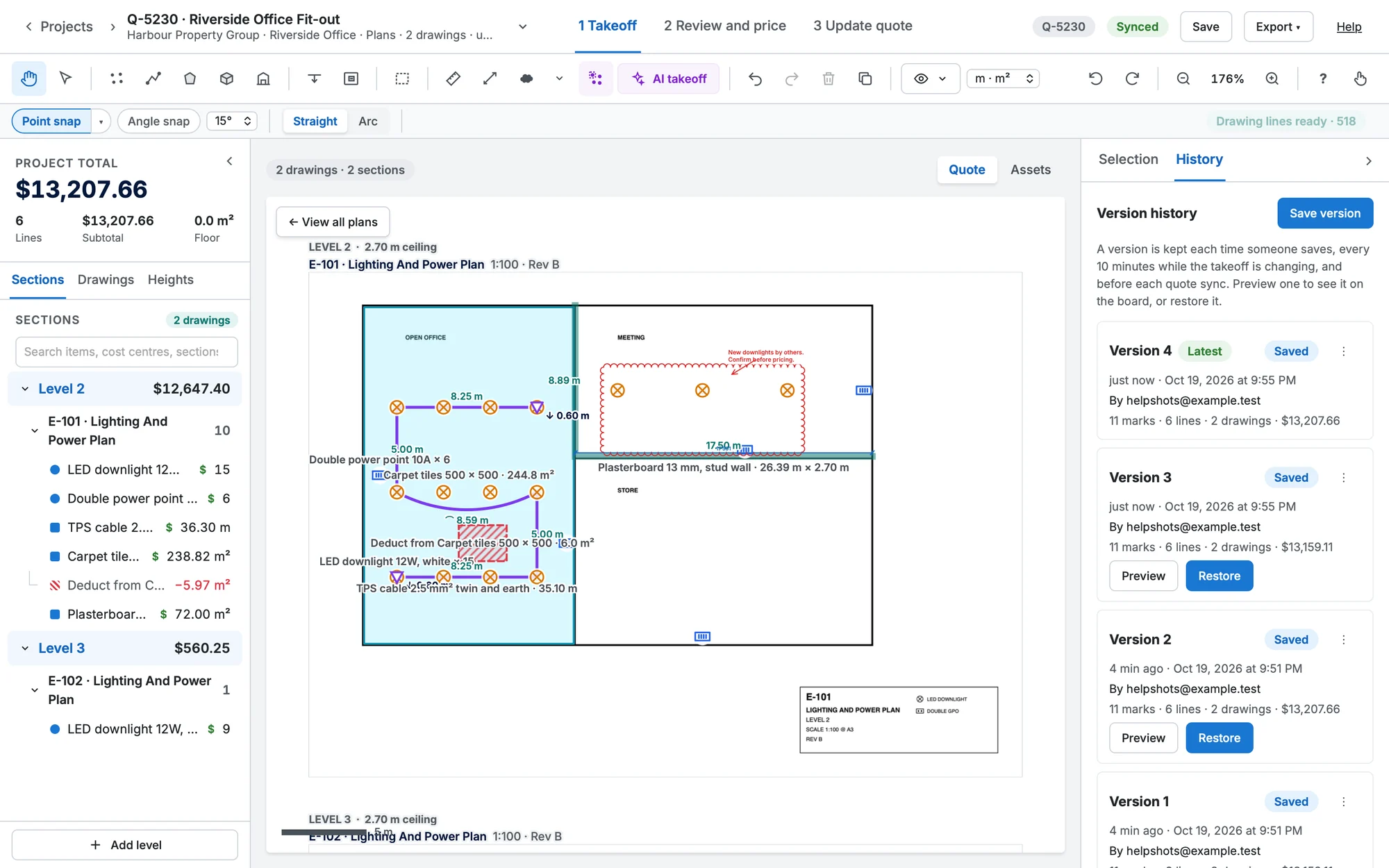
- Preview shows a version read-only. Back to current returns.
- Restore makes it the latest version. Nothing is lost: the current state is saved first.
- ⋮ → Copy to a new sheet… brings an old version of a sheet back alongside the current one.
One editor at a time
While someone else is editing, the takeoff is read-only for you, with a banner saying who. Take over editing saves a version and hands editing to you.