Export, download and send
Export the marked-up PDF, download quantities or sheet images, or send the PDF to Simpro.
Export ▾ in the header has everything:
| Item | What you get |
|---|---|
| Export PDF… | The marked-up plans, as PDF or as PNG or JPG per sheet. Choose all sheets, the current sheet or some, a Summary or Detailed legend, colour or greyscale. |
| Download quantities (CSV) / (Excel) | Item, part #, sheet, section, cost centre, quantities, unit, pitch (blank when flat) and labour. When any count point has a label, a second file (CSV) or a Points sheet (Excel) lists each labelled point: item, sheet, label and its position in metres from the sheet's corner. |
| Download sheets as PNG / JPG | Each sheet as an image (several come as a ZIP). |
| Send to Simpro… | The PDF onto the quote's or job's attachments (replacing the earlier one) and/or the site's. |
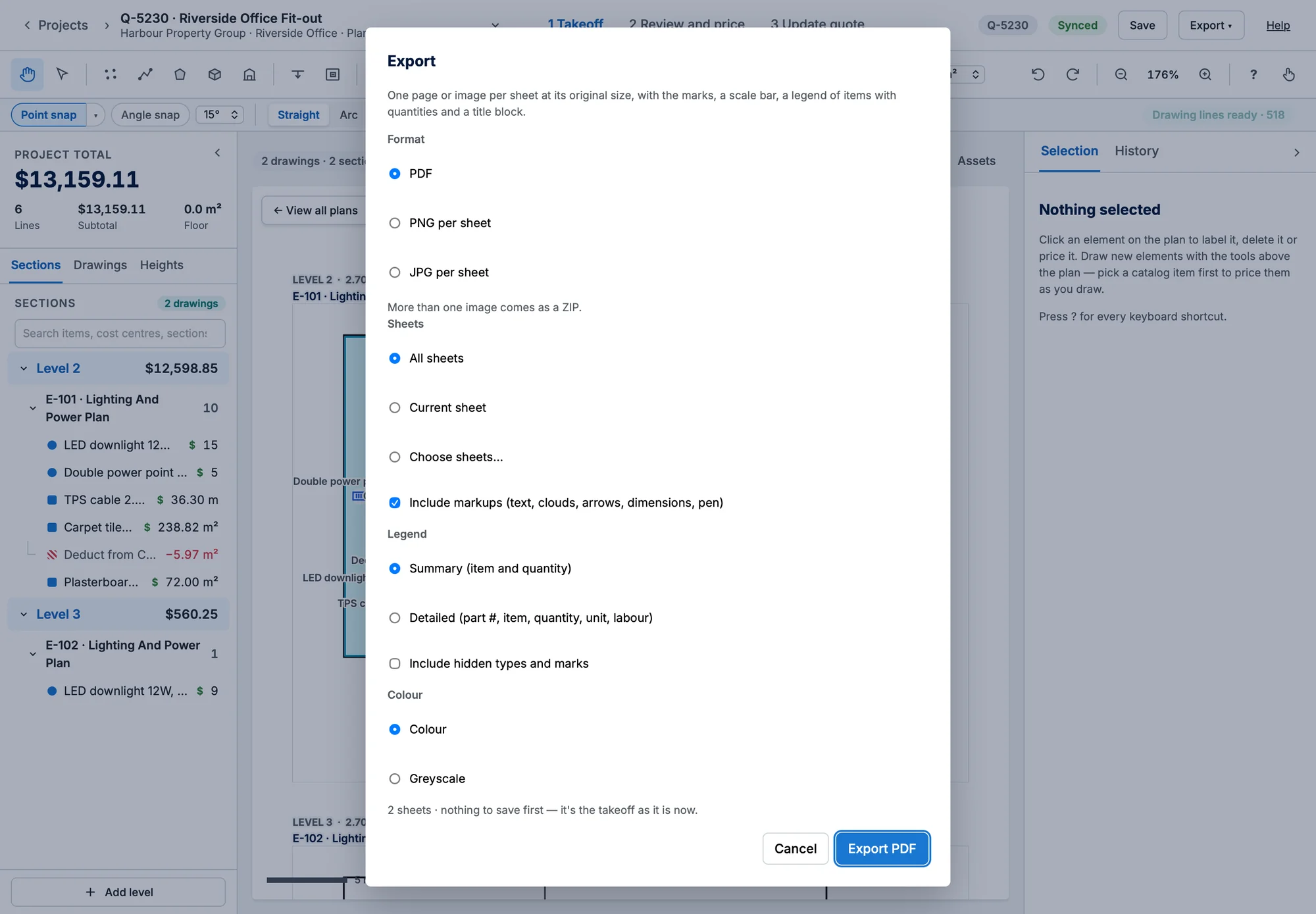
Each PDF page has a title block, a legend and a scale bar that measures true when printed at 100%.
Markups and labels in the export
- Text, arrows, clouds, dimensions, pen and highlighter are drawn on the page above the marks, as real text and arcs. Include markups in the Export dialog (shown when the takeoff has any) leaves them out if you only want the measured marks. See Markup.
- A count point's label is printed beside its symbol at its paper size (2.5 mm unless the item says otherwise) with a white outline so it reads over the plan. The legend shows the range after the item's name, for example Downlight D1–D24. See Count labels and numbering.