Tutorial: wall linings under different ceiling heights
Plasterboard and paint by wall area in a fit-out with three ceilings: a 2.7 m office, a double-height foyer and a raked meeting room, with the doors and windows taken out.
Chapters
What you'll learn
- Set a section's ceiling height, and a room's own for a double-height foyer
- Draw wall runs round each space and price them by wall area
- Give a raked wall a height at each point, so its sides are trapezoids
- Take doors and windows out as openings, and add paint to the same walls
Each step below has a ▶ time: it plays the video from that step.
The steps
- New project: name it, choose the customer and site, and add the floor plan. Its sheet number, title and scale are read off the drawing. On the last step, untick Run AI takeoff when the board opens and choose Open board.
- In the left panel's Heights tab, type the section's ceiling height (here 2.7 m for the ground floor). Wall areas use the room's height, else the section's, else the company default.
- For the double-height foyer, press N for the Room tool, click its corners and name it. In Selection set its Ceiling height to 5.4. Walls inside it or along its edge use that height. See Rooms and ceiling heights.
- Choose the Top wall area tool (W): the Add Top wall area items panel opens. Tick the plasterboard (its type is already Top wall area) and add it. It's ready to draw: click round each space on the inside face of its walls, back to the first corner, then Enter. Press P to turn point snap off where corners are close to another room's.
- For the raked ceiling, select the meeting room's wall. Under Heights give the Wall 2.4, then set points B and C (the high wall) to 3.6. Each side uses the average of its two ends, so the sloping sides are trapezoids.
- Doors and windows: + Opening adds a Door or window (w × h). Type its width and height, click Place and click the wall where it is. A door in a partition comes off both rooms' walls. An opening bigger than the wall is refused: "Openings can't be more than the wall's area."
- Paint goes on the same walls: select a wall, click + Add catalog item, search for the paint and add it. It's priced on the wall's area too.
- Selection shows each wall's openings (Openings · … m² off … m²) and its Wall area (length × height), net of them. 2 Review and price has a plasterboard and a paint line for every wall, in m², with labour from the plasterboard's install time. See Review and price.
More to watch
Every tradeEstimators and service teamsDesktop, tablet and phone
Takeoffs in three minutes
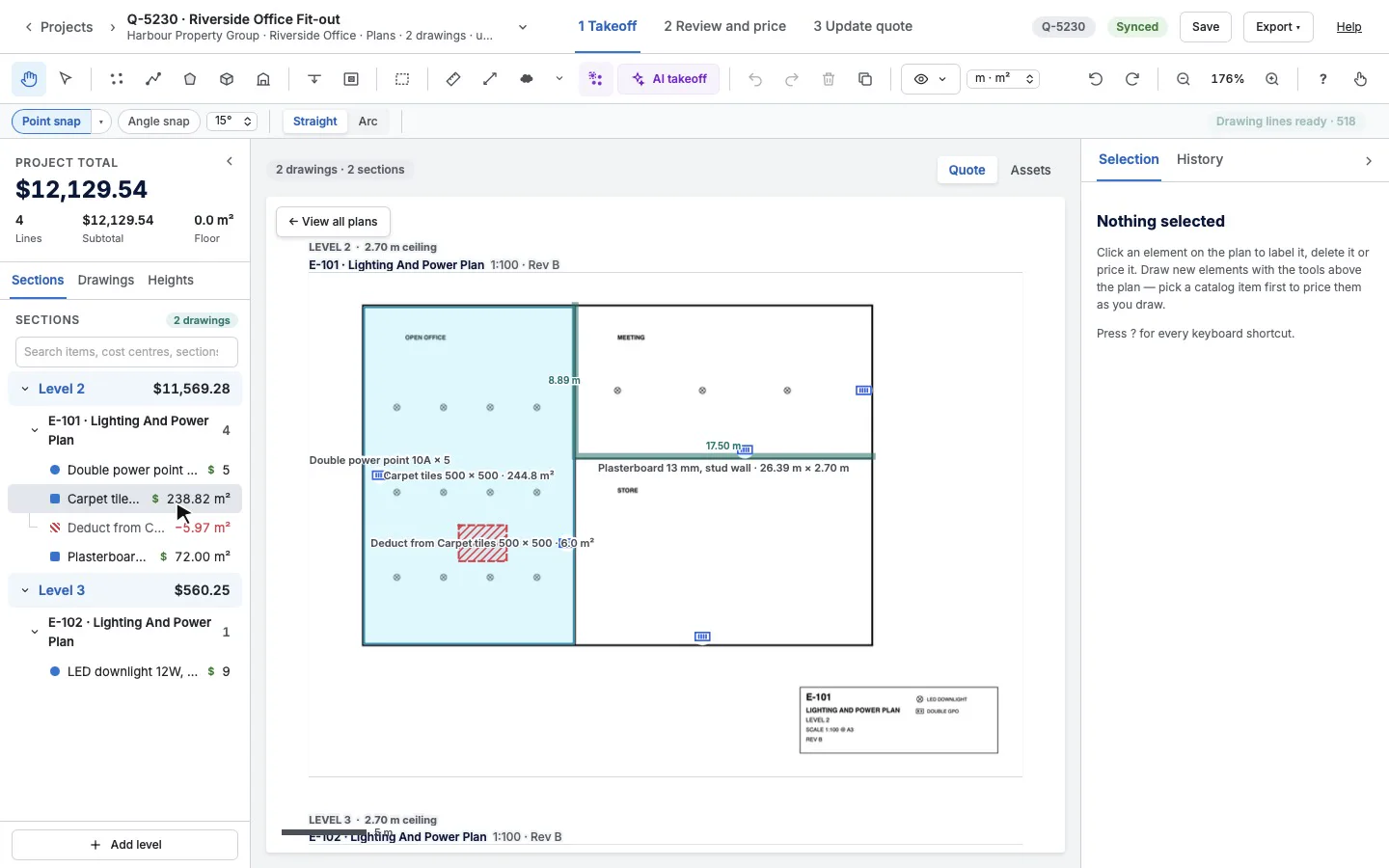
A takeoff from plans to a Simpro quote, then a site asset map on a phone. Start here if you're new.
ElectricalEstimatorsDesktop
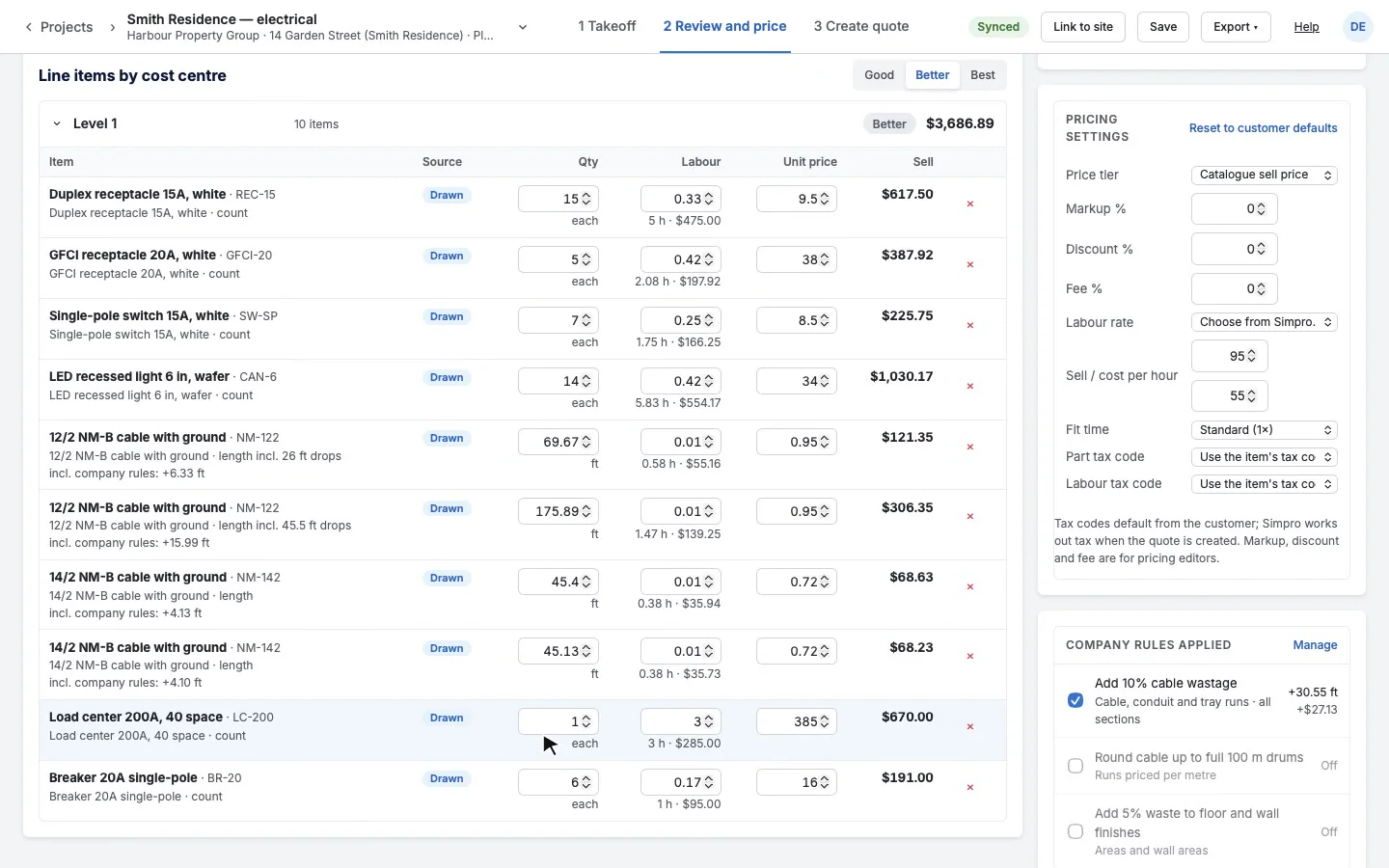
Price a house's electrical
A whole house, from an empty floor plan to a priced takeoff that says how many devices and how many feet of cable the job needs.
SecurityEstimatorsDesktop
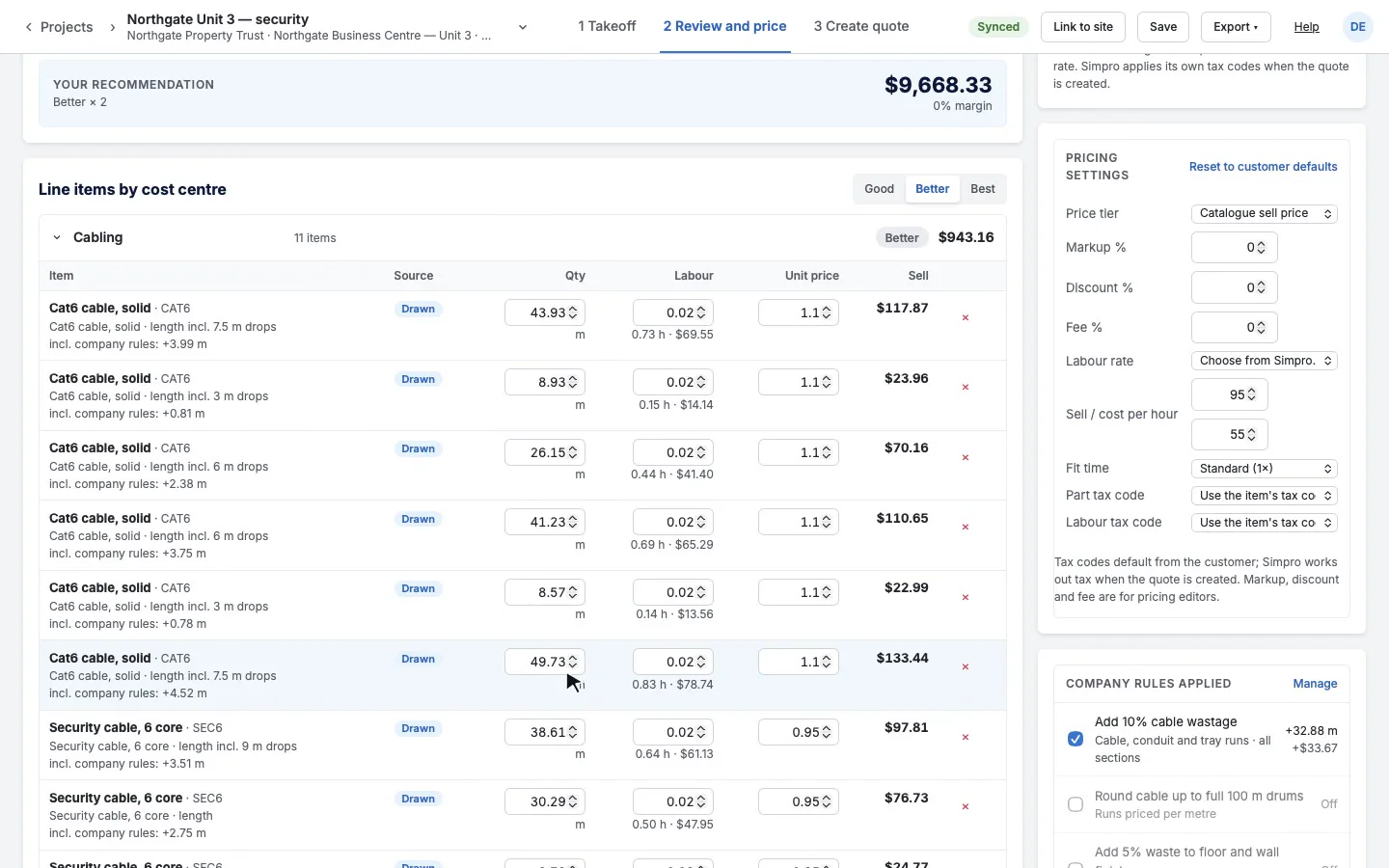
A commercial security install
Cameras, intrusion detection, access control and the panels in an office, with all the low-voltage cabling in its own cost centre.
Fire and safetySurveyors and service techsTablet or phone, on site
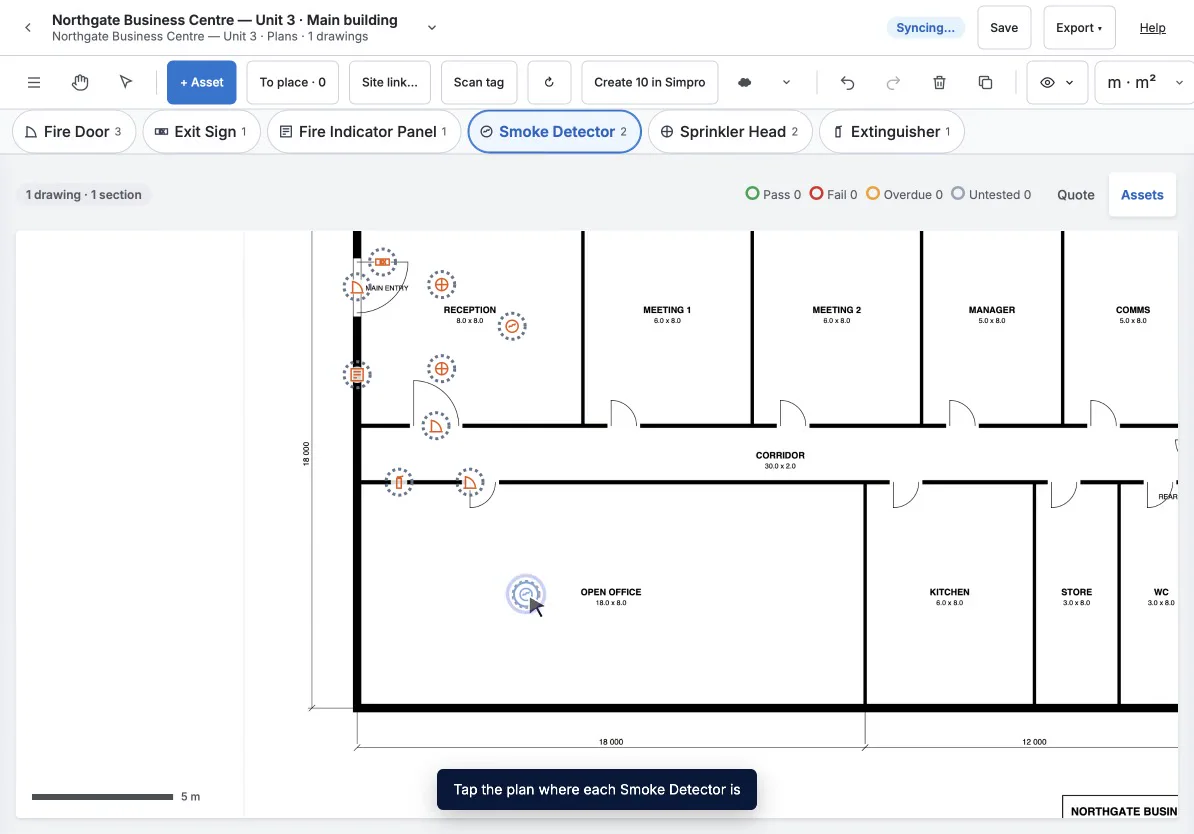
A fire and safety survey
A surveyor's first visit to a site: walk the building once, mark each fire asset on the floor plan as you reach it, then create them all in Simpro in one go.
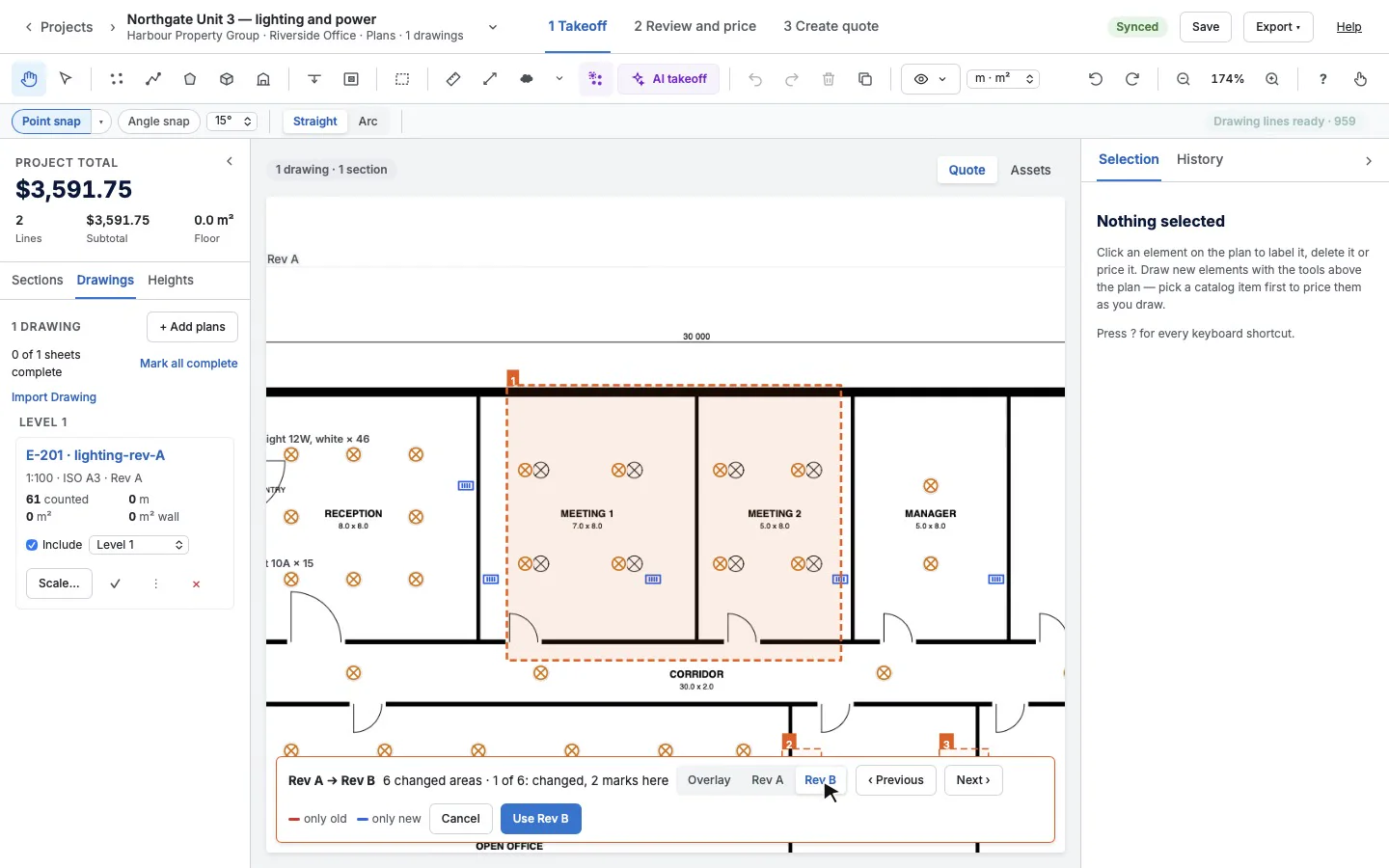
Every tradeEstimatorsDesktop
A revised drawing arrives
Rev B of the lighting plan lands after you've priced Rev A. Swap it in under your takeoff, see exactly what changed, and fix only that.
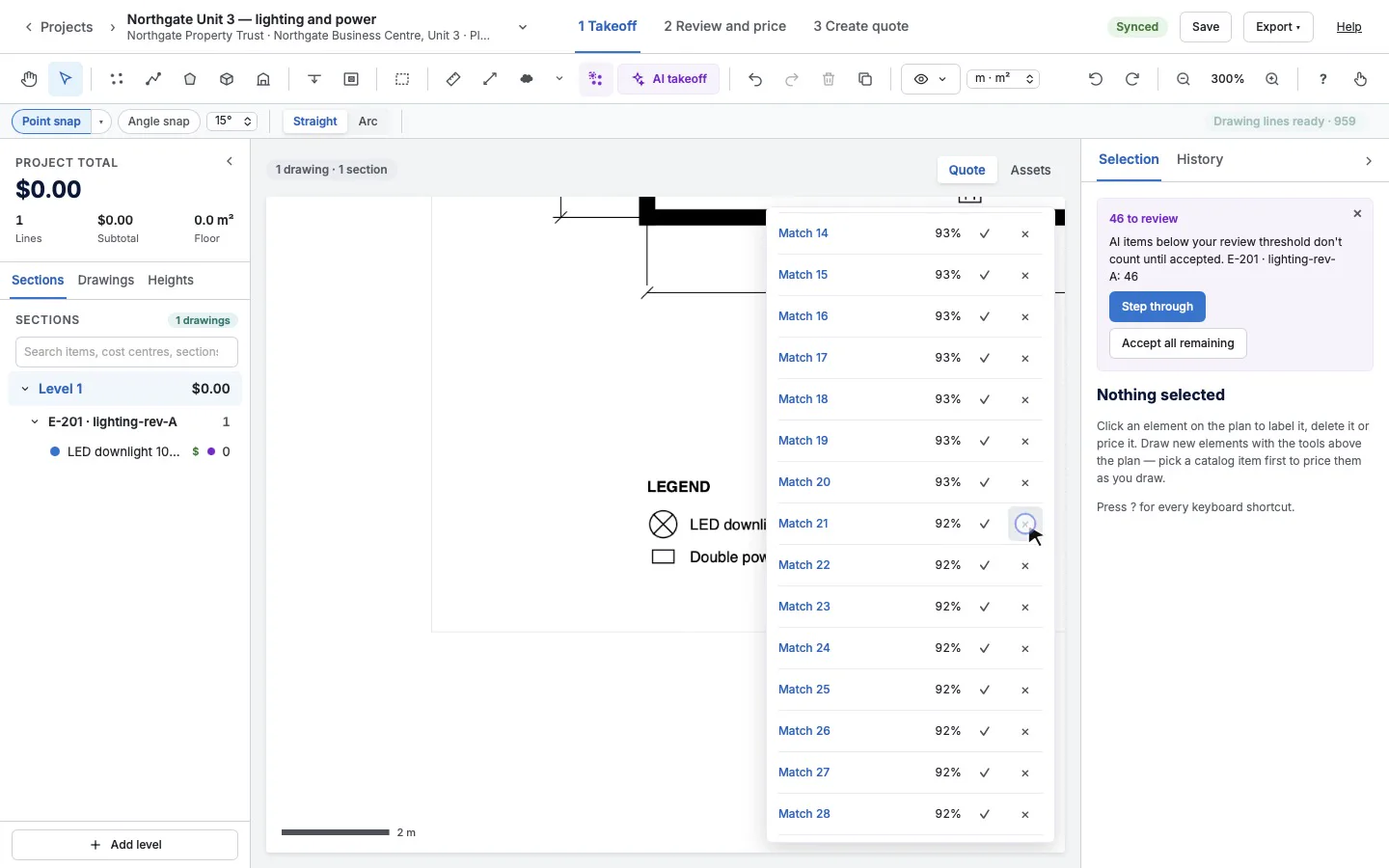
ElectricalEstimatorsDesktop
Count a fit-out by symbol
Box one downlight and one power point and every match on the plan is counted for you to check, then place banks of switches with one click each.
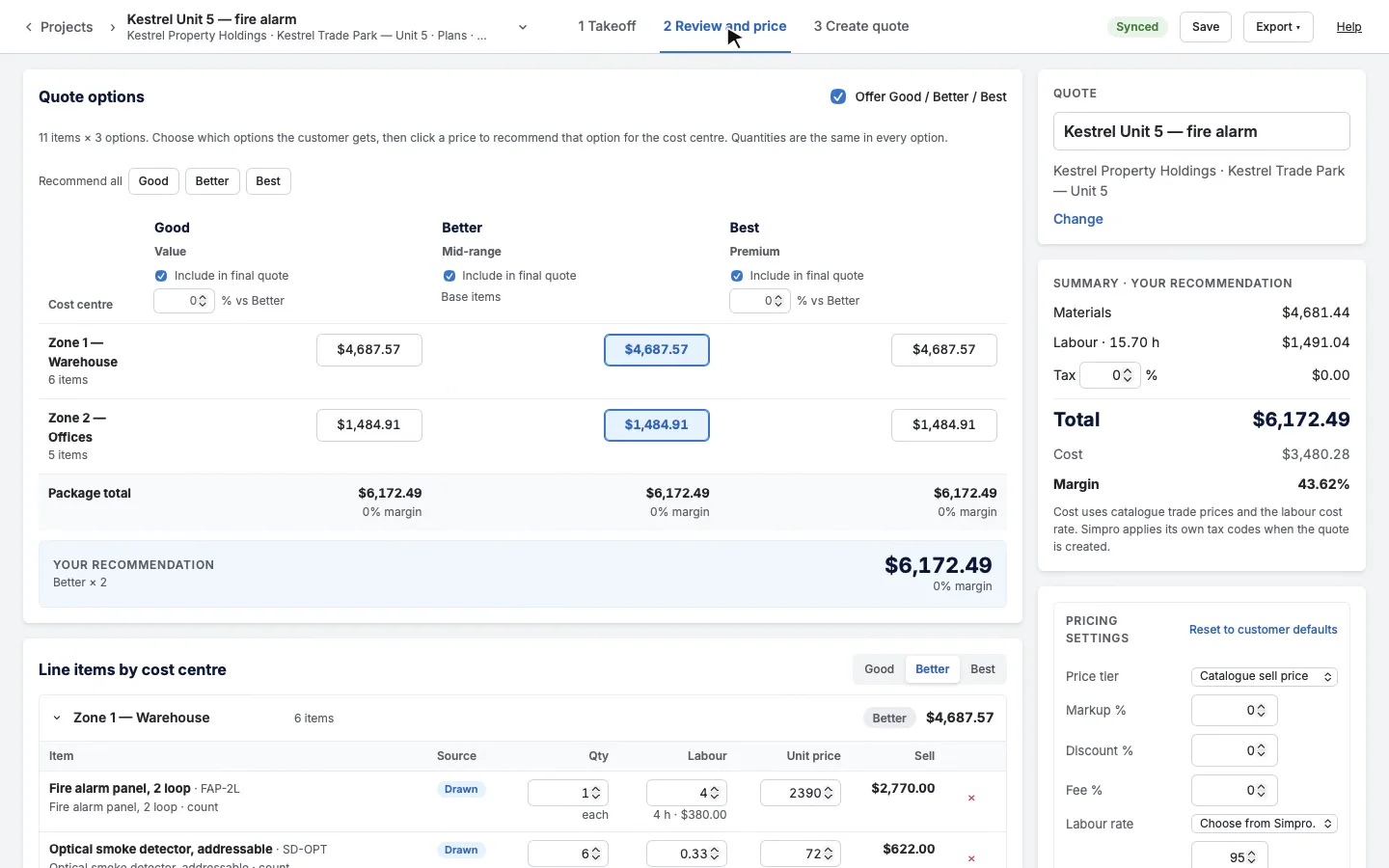
Fire and safetyEstimatorsDesktop
Price a fire alarm installation
A two-storey unit's fire alarm, counted zone by zone from the designer's layout, with the cable loop and its drops, then handed out as a marked-up PDF with a legend.
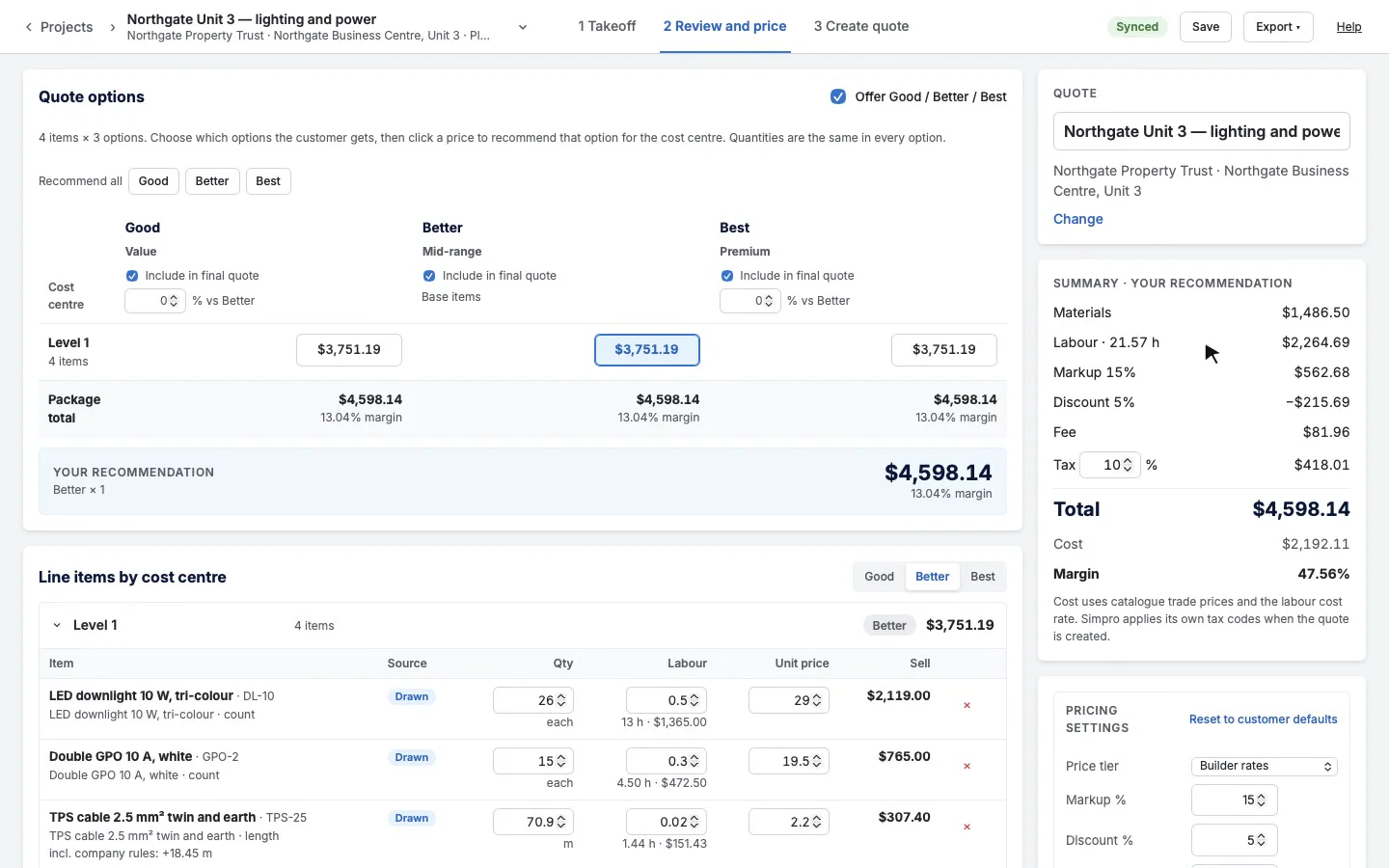
ElectricalEstimators and pricing editorsDesktop
Review and price a takeoff
A small lighting and power job priced step by step: labour, a fit time, your company's cable rules, markup, discount, fee and a Simpro price tier.
Every tradeEstimatorsDesktop
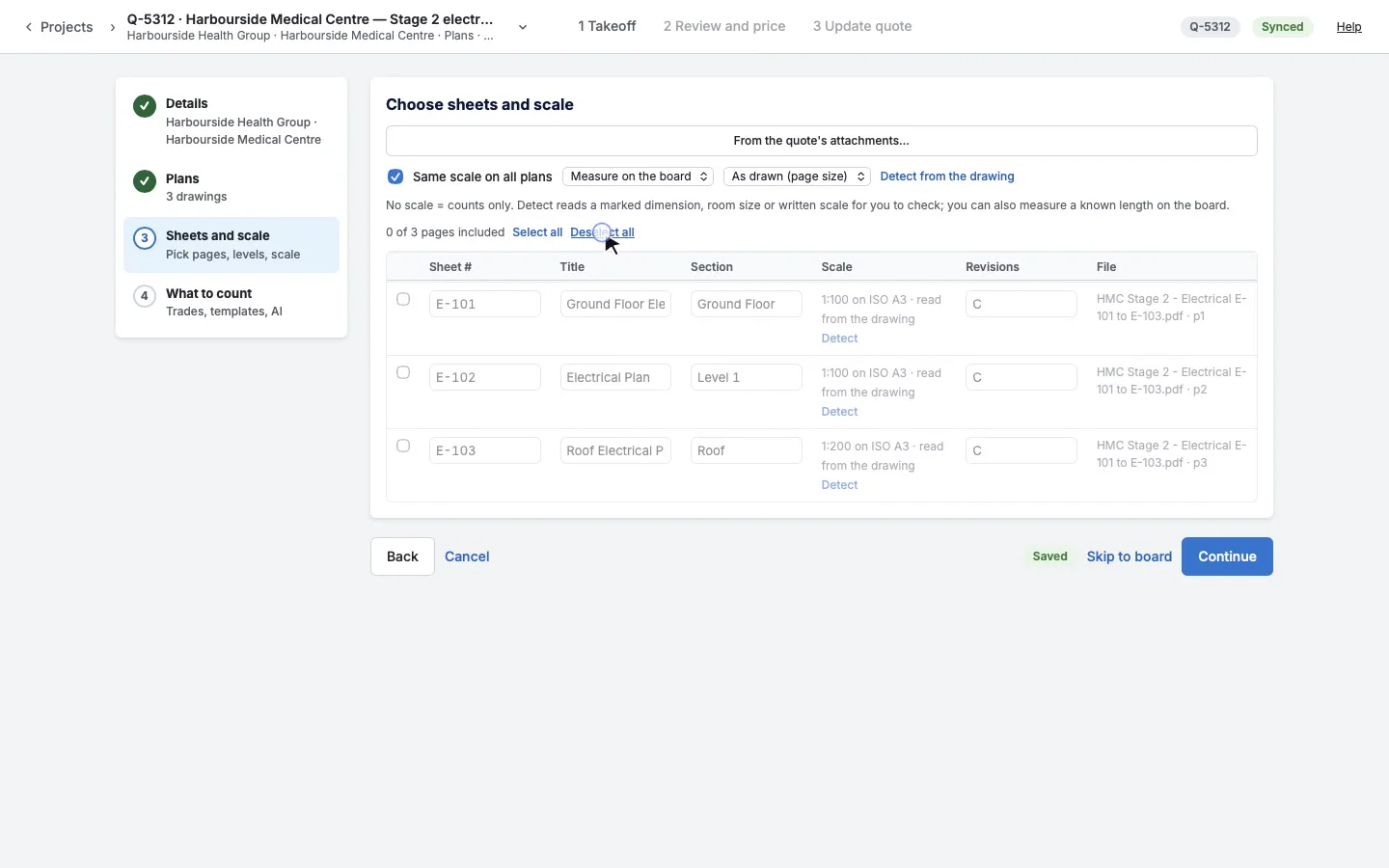
Plans from the quote's attachments
The builder's drawings are already attached to the quote in Simpro. Take them straight from there, choose the pages, and add more pages later from the plan library.
Fire and safetyProject managers and service teamsDesktop
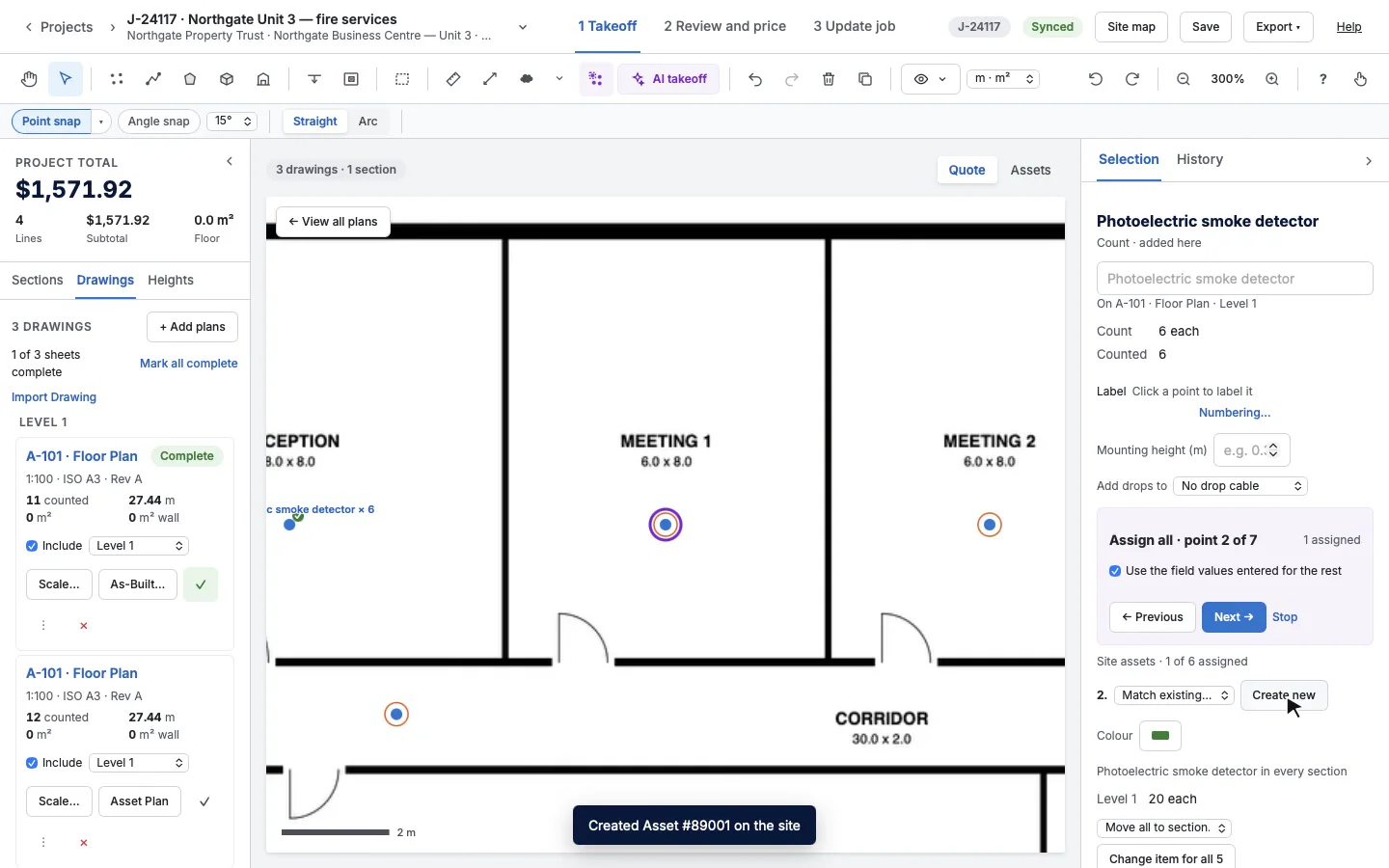
As-Built and assets on a job
The install is done: record what went in on an As-Built, then tie every detector, extinguisher and exit sign to an asset on the customer's site in Simpro.