Rooms and ceiling heights
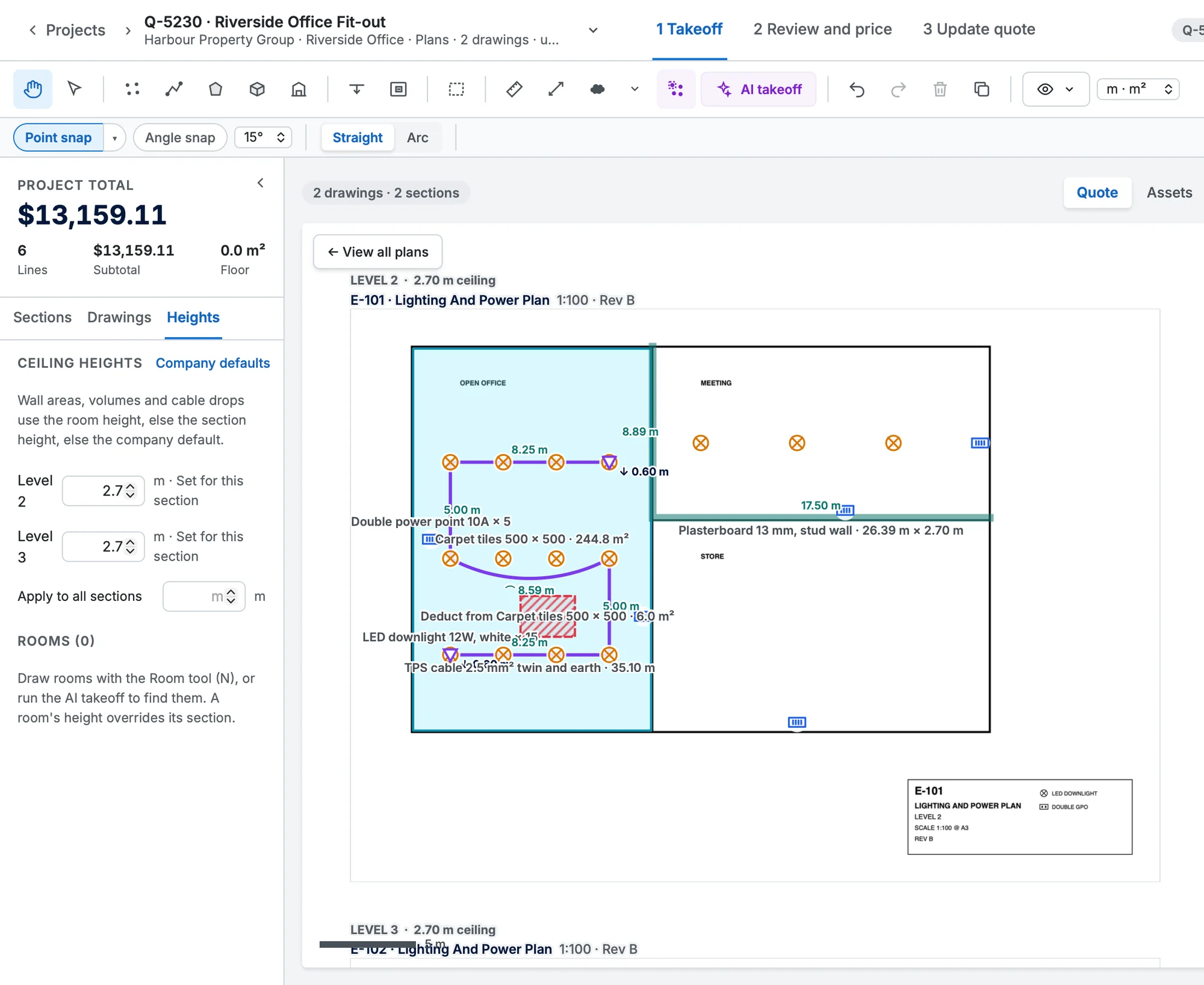
Heights for wall areas, volumes and drops come from the room, the section or the company default.
The Heights tab in the left panel sets a ceiling height for each section (Apply to all sections copies one). Company defaults sets the fallback for everyone.
Where a room's ceiling is different, draw the room with the Room tool (N), name it, and give it its own Ceiling height. A room isn't a takeoff item; it just sets the height for walls, volumes and drops inside it.